
Bulk Image Generation from a Spreadsheet: CSV, Sheets, and Canva Templates
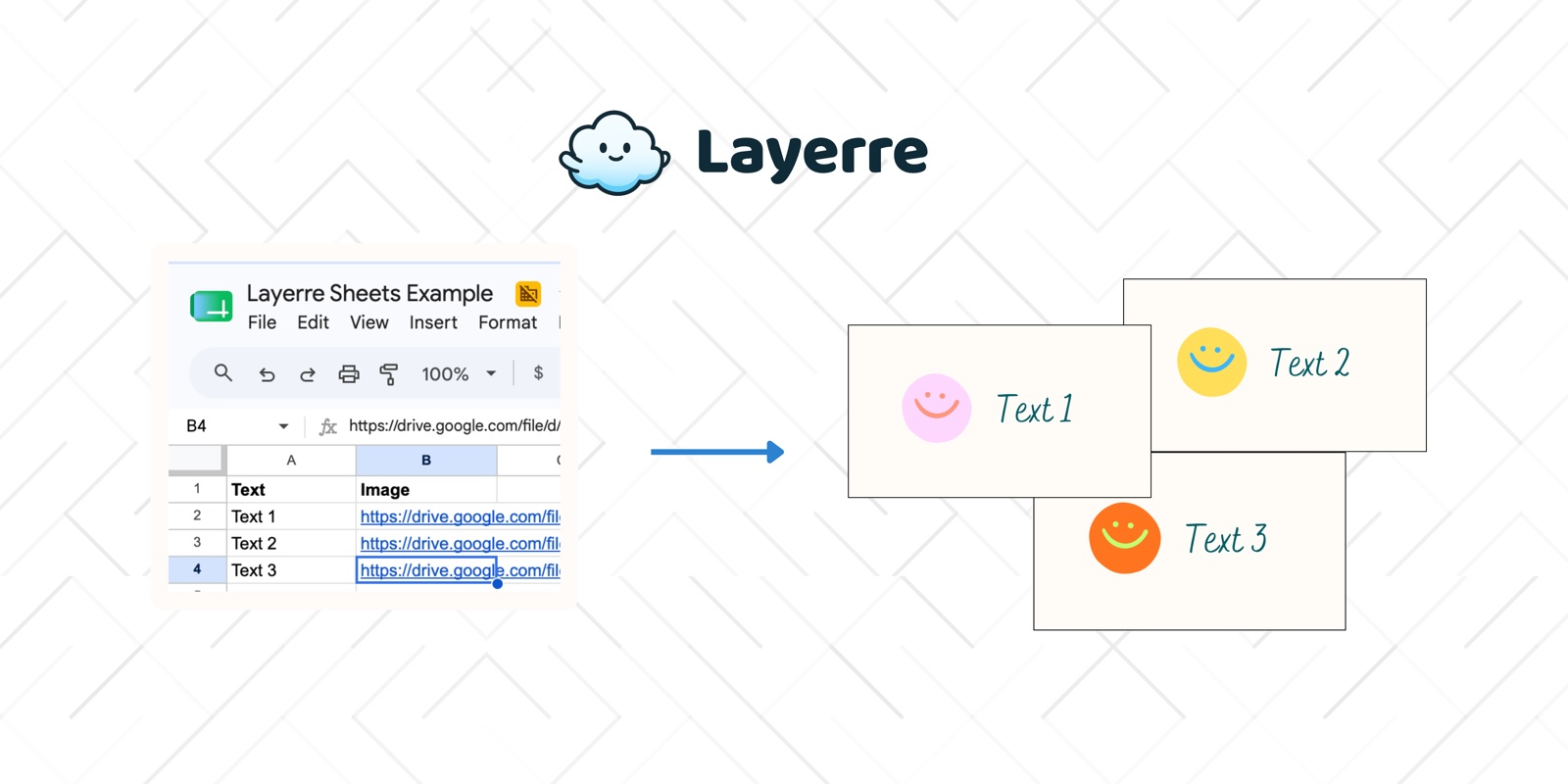
Most bulk image workflows start the same way: a spreadsheet of products, cities, or names, and a Canva template. This guide covers how to structure that sheet, when Canva Bulk Create is enough, when you outgrow it, and how to run recurring batch generation from Sheets or CSV with Layerre.
In this guide
Structure your spreadsheet
One row equals one image. One column equals one template layer (headline, price, image URL, CTA). Keep headers stable so automations do not break when you add rows.
| headline | price | image_url | cta |
|---|---|---|---|
| Trail Runner Pro | $129 | https://cdn.../shoe.png | Shop now |
| City Walker | $89 | https://cdn.../walker.png | Shop now |
- Use public HTTPS image URLs the renderer can fetch
- Normalize currencies and units in the sheet, not in Canva
- Add a status column (draft / ready / generated) for ops
- Keep a fixture tab with 5 known-good rows for regression
Glossary: bulk image generation, batch generation, image personalization.
Prepare the Canva template
- Separate layers for every column you will change
- Do not flatten text into a background image
- Leave room for longer strings (especially translations)
- Lock brand colors and fonts on static layers
Setup FAQ: How to set up a Canva template for automation.
Canva Bulk Create path
Bulk Create lets you upload a CSV inside Canva and generate a batch of variants. It works for occasional jobs under roughly 100 variants with text and image swaps only.
How-tos: How to use Canva Bulk Create · Bulk Create limits · glossary · alternatives.
Batch generation beyond one-off CSVs
When the same template runs weekly, when you need color or font overrides, or when generation must trigger from a form or CRM, manual Bulk Create becomes the bottleneck. Move the spreadsheet into a living data source (Google Sheets) and generate through an API or Zapier/Make/n8n.
FAQs: Images from CSV · Canva and Google Sheets · Sheets to image generation · Google Sheets integration.
QA checklist before you scale
- Generate 5 fixture rows with extreme string lengths
- Confirm image URLs return 200 without auth
- Check overflow on longest product names
- Spot-check color contrast on dark and light themes
- Archive outputs with a naming scheme (sku_locale_date)
API and no-code automation with Layerre
- Import your Canva template into Layerre
- Map sheet columns to layer overrides
- Generate via API loop, Zapier/Make/n8n, or CSV-driven workflows
- Deliver PNGs/PDFs to Drive, Slack, or your CDN
Related: Bulk images from a Canva template · Layerre vs Bulk Create · n8n Canva guide.