














The 4-Step Workflow to Scale Ad Creative Generation 10x
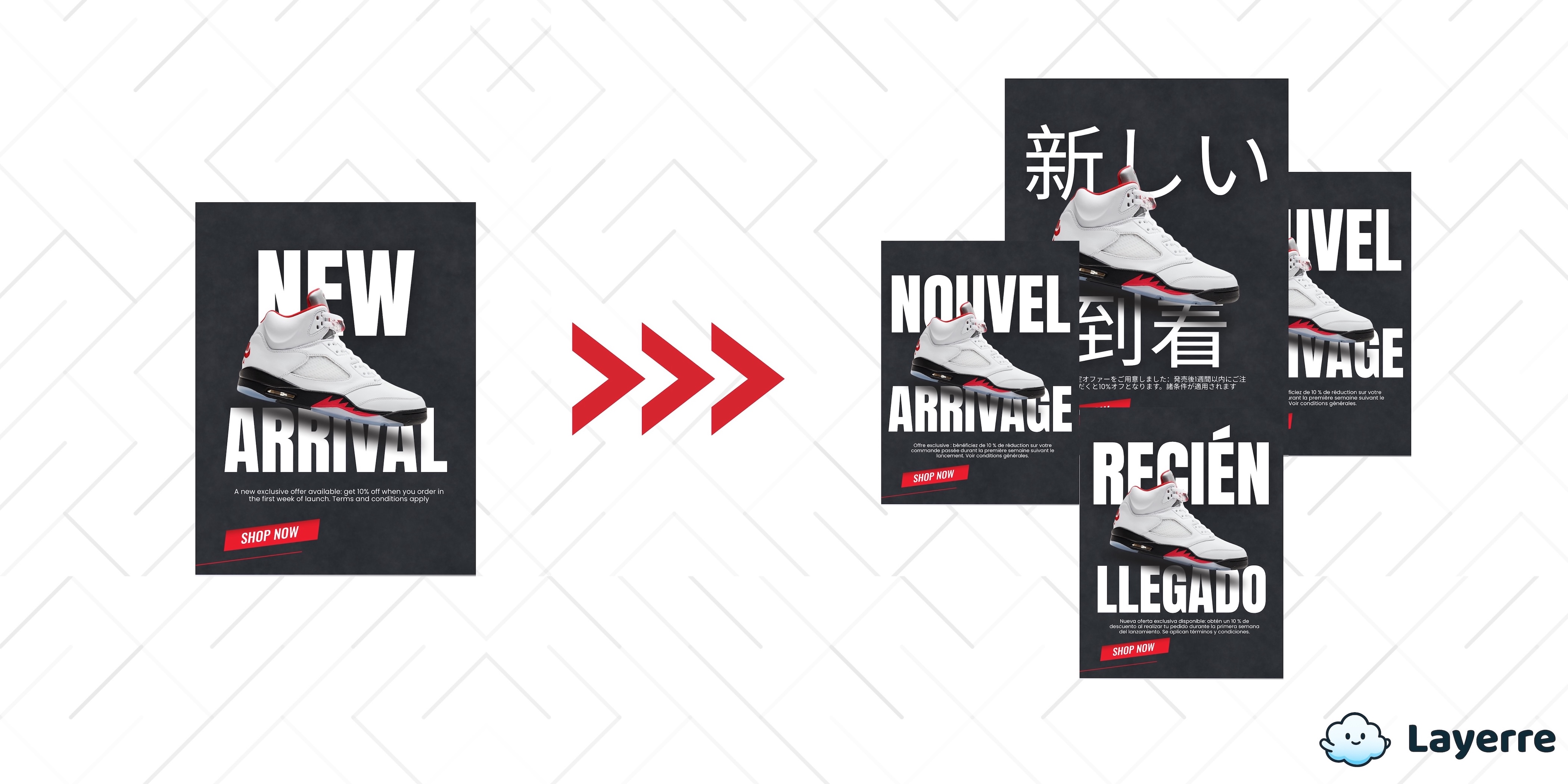
The High-Volume Production Problem
Marketing teams need volume. More ad variations, more formats, more tests. But the traditional workflow of manually creating each variation doesn't scale.
Manual scaling breaks down fast:
- Takes weeks instead of days
- Introduces typos and alignment issues
- Burns out designers on repetitive work
- Limits how many variations you can test
To scale 10x, you need automation. This 4-step workflow turns one design into hundreds of variations instantly.
Step 1: Build a Clean Template
You can't automate chaos. Start with one well-structured Canva template.
What makes a good template:
- Keep dynamic elements on separate layers - Text, images, and CTAs that change per variant should each be their own layer
- Lock down what doesn't change - Only elements that vary should be editable
- Add whitespace buffers - Give text room to grow without breaking the layout
- Use brand colors and fonts - Set these globally, not per element
Step 2: Map Your Data
Put all your variations in a spreadsheet. Each row is one ad, each column is one variable.
| headline | cta_button | price | audience |
|---|---|---|---|
| Unlock 10x Scaling | Start Free Trial | $99/mo | SMB |
| Stop Creative Fatigue | Download Guide | Free | Enterprise |
| Scale Your Ads | Book Demo | Custom | Agency |
Key points:
- Map spreadsheet columns to layers in Layerre
- Check for typos - they'll multiply across all variations
- Keep image URLs or IDs accessible
Step 3: Automate the Generation
With your template and data ready, automation takes over. What used to take days now takes minutes.
How it works:
- Platform imports your template and spreadsheet
- For each row, it creates a new design with that data
- Exports to all formats you need (square, story, feed)
How Layerre Handles This
Layerre connects directly to your Canva templates. Here's what you get:
- Direct Canva import - No rebuilding, use your existing designs
- Layer variables - Turn any text, image, or shape into dynamic content
- Batch API - Generate hundreds of variations in one call
- Auto storage - All assets saved and accessible via API
The result: Production time drops from days to minutes. You can test more, iterate faster, and stop burning out your designers.
Step 4: Review and Deploy
Once generated, you need to review and push assets to your ad platforms.
Review efficiently:
- View all variations in a dashboard, not scattered across folders
- Found a typo? Fix it in the spreadsheet and regenerate instantly
Deploy via API:
- Pull assets programmatically - no manual download/upload
- Pass metadata automatically - audience, variant ID, etc.
- Update 500 ads at once when prices change
With Layerre's REST API, retrieve any generated asset with a simple GET request and push it wherever you need it.
Example: How This Would Work
Imagine an e-commerce company needs 150 product ads in 4 formats across 3 languages. That's 600 total assets per quarter.
Manual Process
- 3 weeks with full team (designer, copywriter, PM)
- Frequent errors in translation and resizing
- Only finished 50% of planned tests
With Layerre
- 1 day to set up template and spreadsheet
- Generate 600 assets in minutes
- 4 hours to review and deploy
Total time: 1.5 days instead of 3 weeks
With that time saved, they could launch 100% of planned tests and run additional experiments. More tests mean better data, which leads to better performance.
Stop Doing It Manually
High-volume advertising isn't about hiring more people. It's about using the right tools.
This 4-step workflow (Build Template → Map Data → Automate → Deploy) transforms how teams produce creative. Designers stop doing repetitive work and focus on strategy. Marketing teams can test faster and scale harder.
The teams that win are the ones that iterate fastest. Automation is the only way to get there.
Ready to scale?
Turn your Canva designs into automated templates that generate hundreds of variations in minutes.