














Profile settings and autosave
A couple of quality-of-life improvements to make Layerre easier to manage day-to-day: a dedicated profile area for your account and automatic saving while you work in the template editor.
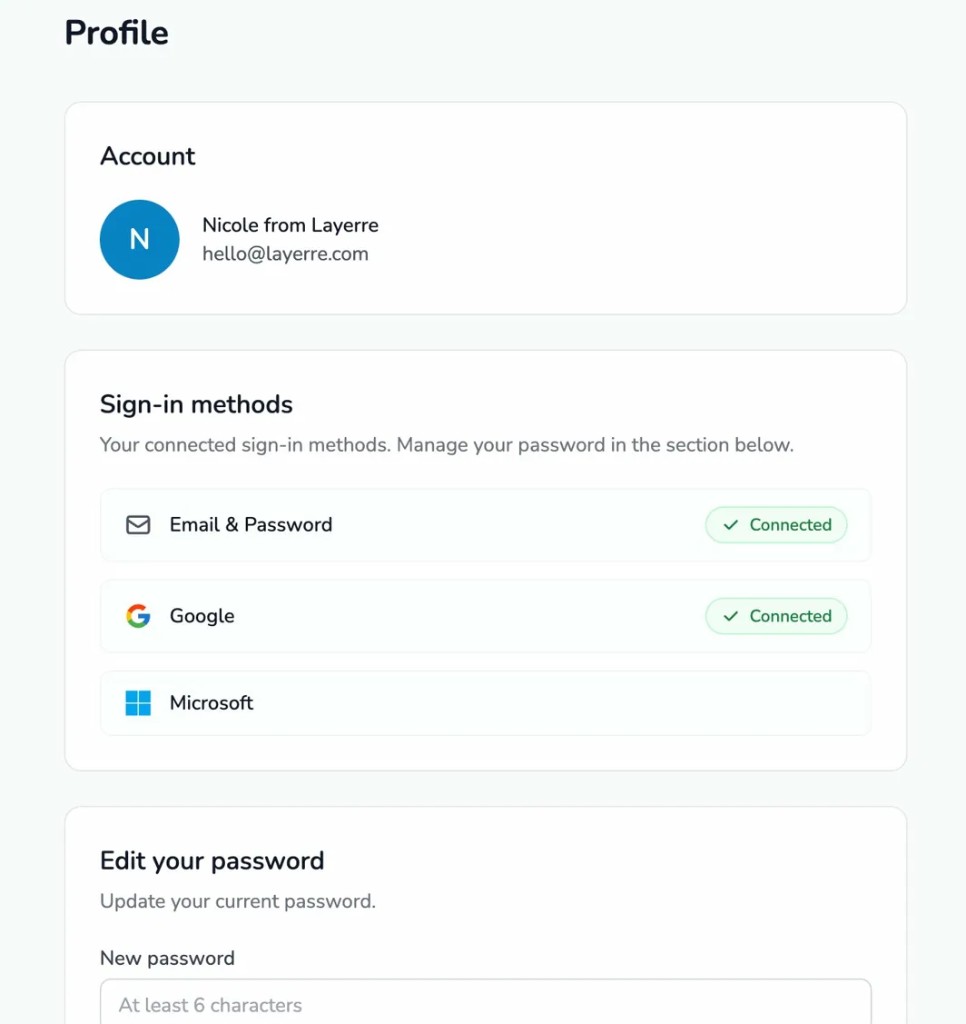
Profile settings
You can now manage your account details, connected sign-in methods, and password from a dedicated profile page. Connect Google, Microsoft, or email and password. If your account does not have email and password yet, you can add it from profile settings.
What you can do
- Update account information in one place.
- Check your OAuth providers (Google, Microsoft) alongside email login.
- Change your password when you use email sign-in.
Autosave in the template editor
Your work in the template editor is now saved automatically. You do not need to worry about losing layer rules or configuration changes, and updates are persisted as you go.
That means fewer interruptions and more confidence when tuning templates, especially on longer sessions or when juggling multiple layers and rules.
Try it in Layerre
Open your profile to review sign-in options, then jump into the template editor. Your changes stay saved while you iterate.