














How do you generate personalized images at scale?
Create a design template with dynamic fields, connect it to your data source (CRM, spreadsheet, database), and use an image generation API to render a unique image for each person or data point.
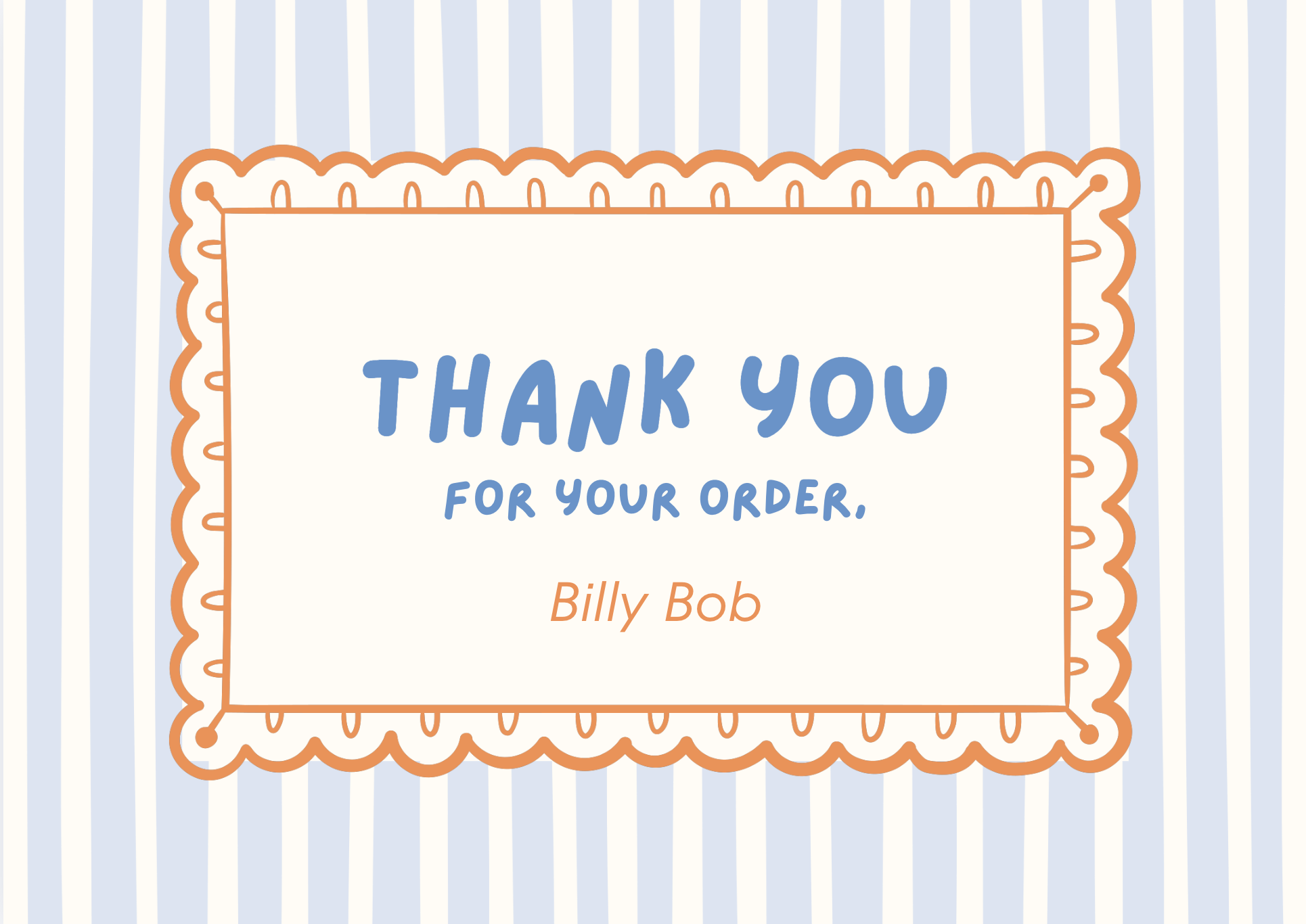
Personalized image generation means creating unique visuals for each recipient, customer, or data point, with their name, preferences, location, or other specific information baked into the design.
Where personalized images drive results:
- Email marketing: Emails with personalized images see up to 29% higher click-through rates
- Ad campaigns: Dynamic ads tailored to audiences, locations, or product interests
- Customer onboarding: Welcome images with the user's name and plan details
- Loyalty programs: Year-in-review graphics, achievement badges, milestone cards
- E-commerce: Product recommendations with personalized pricing and offers
How to do it:
1. Template design
Design your template in Canva with a separate layer for each element that changes per person:
- Name/title
- Profile photo or avatar
- Location-specific details
- Product or plan information
- Stats or metrics
2. Import and configure
Import the Canva template into Layerre. Verify that all dynamic layers were detected.
3. Scale the generation
Real-time (API):
Generate on the fly when a user triggers an action, signup, purchase, milestone reached.
Batch (no-code):
Connect your CRM or data source via Make/Zapier and generate images for all records in a batch.
Scheduled:
Set up a weekly automation that generates fresh personalized content for your email campaigns.
Scale considerations:
- Layerre's API handles thousands of renders per day
- Use webhooks for async processing at very high volumes
- Cache generated images when the underlying data doesn't change frequently
Example: personalized year-in-review cards
A SaaS platform generates a unique "Year in Review" image for each user showing their stats:
- Total projects created
- Hours saved
- Most used feature
- Achievement badges earned
The template is designed once in Canva. The API call for each user pulls their stats from the database and renders their personal card.
Ready to generate images from your Canva designs?
Import your Canva templates and start generating via API in minutes. Free tier included; no credit card required.