














5 Canva Design Automation Tools to Scale Visual Content Production
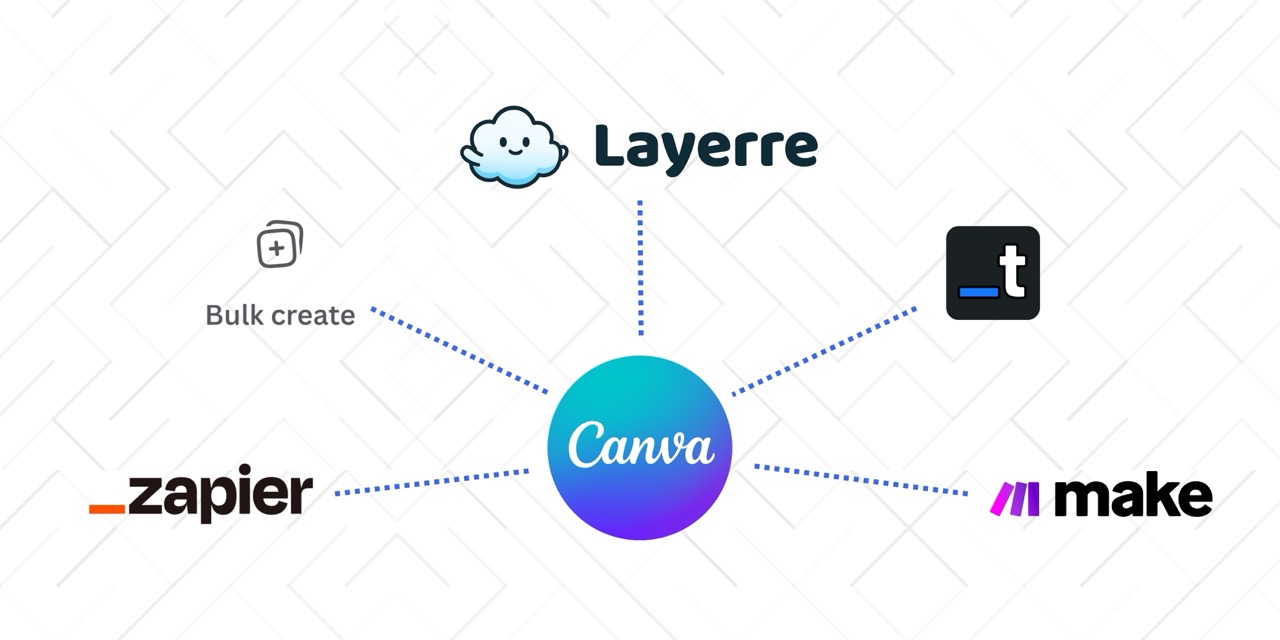
In today's digital landscape, visual content is no longer optional. It's the primary currency of engagement. Teams are under immense pressure to deliver personalized, localized, and high-frequency content across dozens of channels, from Instagram Stories to programmatic ads.
The problem? The production pipeline is choked.
While tools like Canva have democratized design, allowing anyone to create stunning visuals quickly, they often hit a wall when volume and variety are required. Scaling visual content manually means endless hours spent duplicating files, swapping out text, changing images, and checking for consistency.
Table of Contents
The Visual Content Bottleneck
Canva democratized design, but it didn't solve the scaling problem. When you need hundreds or thousands of variations, manual work creates three critical issues:
- Slower time-to-market: Campaigns get delayed waiting for visual assets
- Design drift: Brand consistency breaks down after variation #50
- Resource drain: Skilled designers stuck doing data entry instead of creative work
Automation fixes this by connecting your data directly to your designs. One template becomes hundreds of unique, high-quality visuals in minutes instead of days. But not all automation tools are created equal, especially when it comes to working with Canva.
1. Layerre
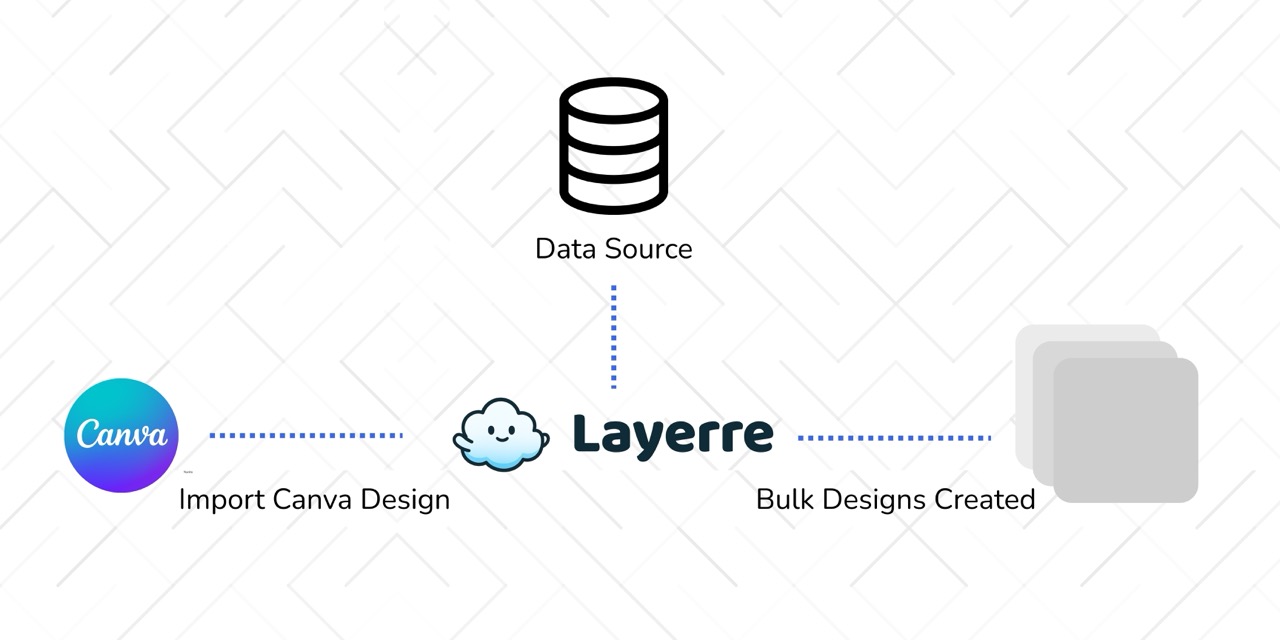
Layerre is an API-first design automation engine built specifically for Canva. It connects your existing Canva templates to your data sources, letting you generate unlimited variations programmatically.
Key Strengths
- Uses actual Canva designs: Works directly with your Canva templates. No need to rebuild or export
- API-driven: Integrate into your stack, trigger from databases, or connect to CRMs
- High-volume capable: Generate thousands of designs in minutes, not hours
- Maintains design fidelity: Preserves fonts, colors, and layout structure across all variations
- Supports most design types: Works with most Canva design types and assets. See limitations for more info
- Pricing: Free (50 credits/mo), paid from $15/mo for 500 credits, see plans
Layerre excels when you need to scale beyond what manual processes can handle. It's ideal for programmatic advertising, dynamic creative optimization (DCO), or any scenario where you're generating hundreds or thousands of unique designs from live data feeds.
Best For
- High-volume marketing teams generating thousands of designs
- E-commerce businesses with large product catalogs
- Teams that need to integrate designs into existing tech stacks
- Programmatic advertising and dynamic creative optimization
- Any scenario requiring real-time, on-demand design generation
2. Canva Bulk Create
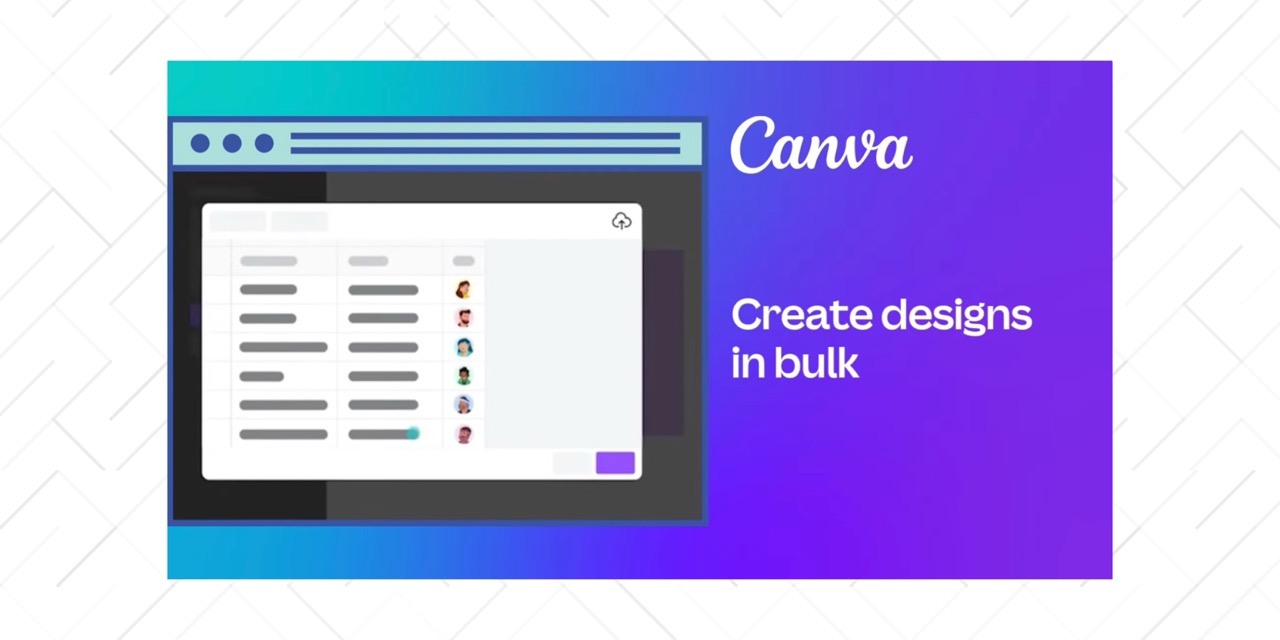
Canva Bulk Create is Canva's native solution for generating multiple design variations. It's a Pro feature that lets you import from data apps and automatically create variations from your template. See our glossary entry, feature comparison, and migration guide if you're outgrowing it.
Key Features
- Native integration: Works entirely within Canva's interface. No external tools needed
- No coding required: Visual, point-and-click interface
- Included with Pro: No additional cost if you already have Canva Pro
Critical Limitations
- No API: Completely manual process: connect data app, wait for generation, download files
- Volume ceiling: Works well for hundreds of variations, struggles with thousands
- Simple data only: Limited support for complex conditional logic or multiple data sources
- No real-time integration: Can't trigger from external systems or databases
Canva Bulk Create is perfect for teams just starting with automation. It's accessible, requires no technical knowledge, and works great for one-off campaigns or simple data merging. But if you need API access, real-time generation, or to scale beyond hundreds of variations, you'll quickly hit its limits.
Best For
- Canva Pro users testing automation for the first time
- Simple campaigns with straightforward data (names, dates, one image)
- Internal communications (badges, certificates, schedules)
- Small to medium batches
3. Make
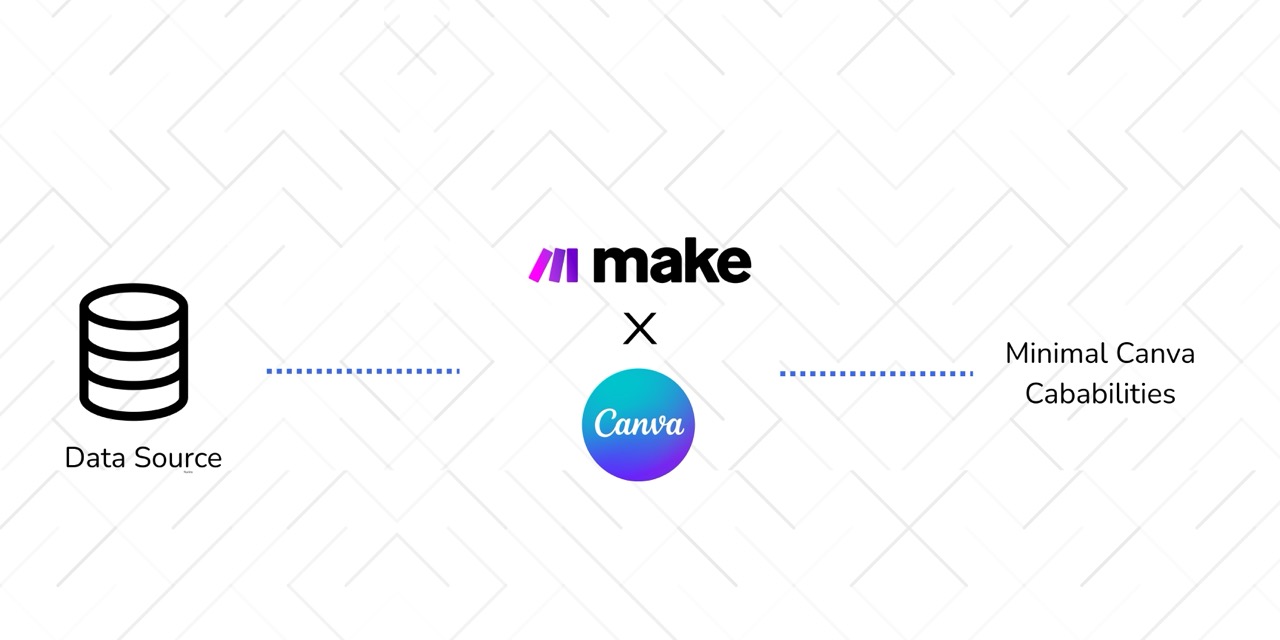
Make is a workflow automation platform that connects different apps together. It has a Canva integration, but according to Canva's API, it can only create specific design types (doc, whiteboard, or presentation) with minimal functionality (just a title and one asset). It can't create regular Canva designs, generate variations, or modify existing templates.
Critical Limitations
- Limited design types: Only doc, whiteboard, or presentation. Not regular Canva designs
- Minimal functionality: Can only set a title and add one asset
- No automation: Can't generate variations, swap text, or modify existing templates
Make is excellent for orchestrating workflows between tools, but it's not a design automation engine. You'd typically use it to trigger Layerre's API when new data arrives, or to move designs around after they're created. On its own, it won't solve your Canva automation problem.
Best For
- Connecting design automation tools to other systems in your workflow
- Multi-step automations that include design generation as one step
- Teams that need complex logic and data transformation before design generation
- When combined with: API-based design tools like Layerre
4. Zapier
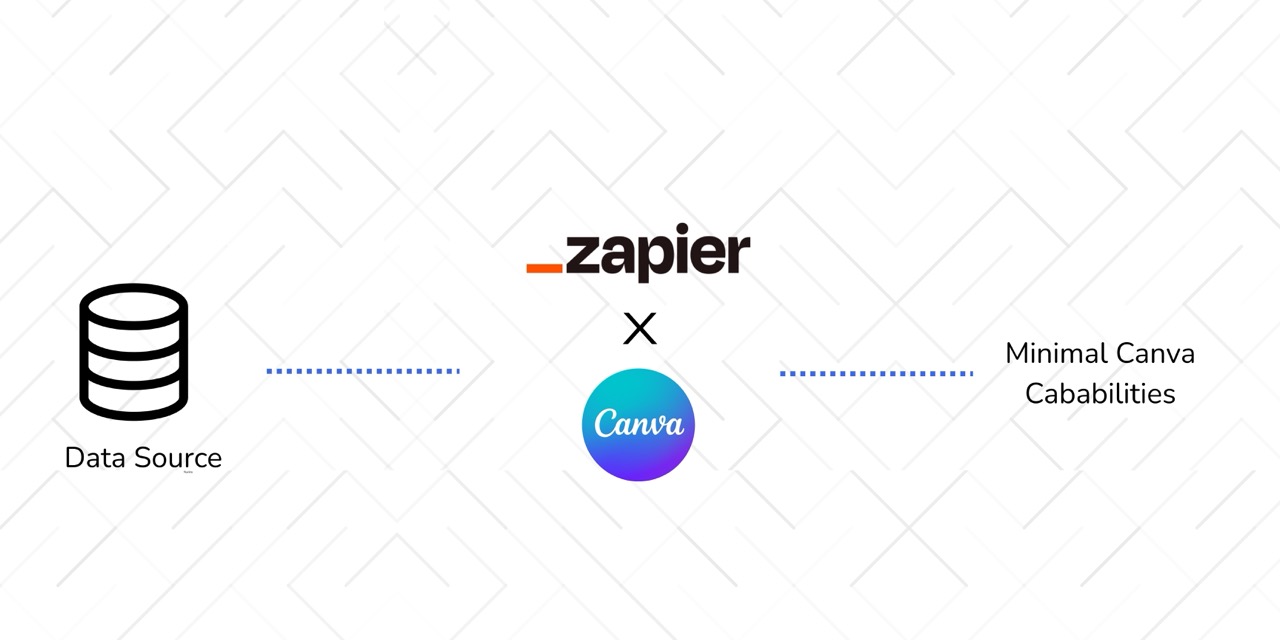
Zapier has a Canva integration, but like Make, it uses Canva's API and has the same limitations. It can only create specific design types (doc, whiteboard, or presentation) with minimal functionality (just a title and one asset). It can't create regular Canva designs or generate variations.
Critical Limitations
- Limited design types: Only doc, whiteboard, or presentation. Not regular Canva designs
- Minimal functionality: Can only set a title and add one asset
- No automation: Can't generate variations, swap text, or modify existing templates
Zapier's Canva integration is useful for moving files around or uploading assets from other apps, but it's not a design automation tool. If you're trying to scale visual content production, this won't solve your problem. Like Make, you'd need to pair it with an actual design automation API.
Best For
- Uploading assets to Canva from other apps
- Downloading and sharing existing Canva designs
- Simple file management workflows
- When combined with: API-based design tools like Layerre
5. Templated.io
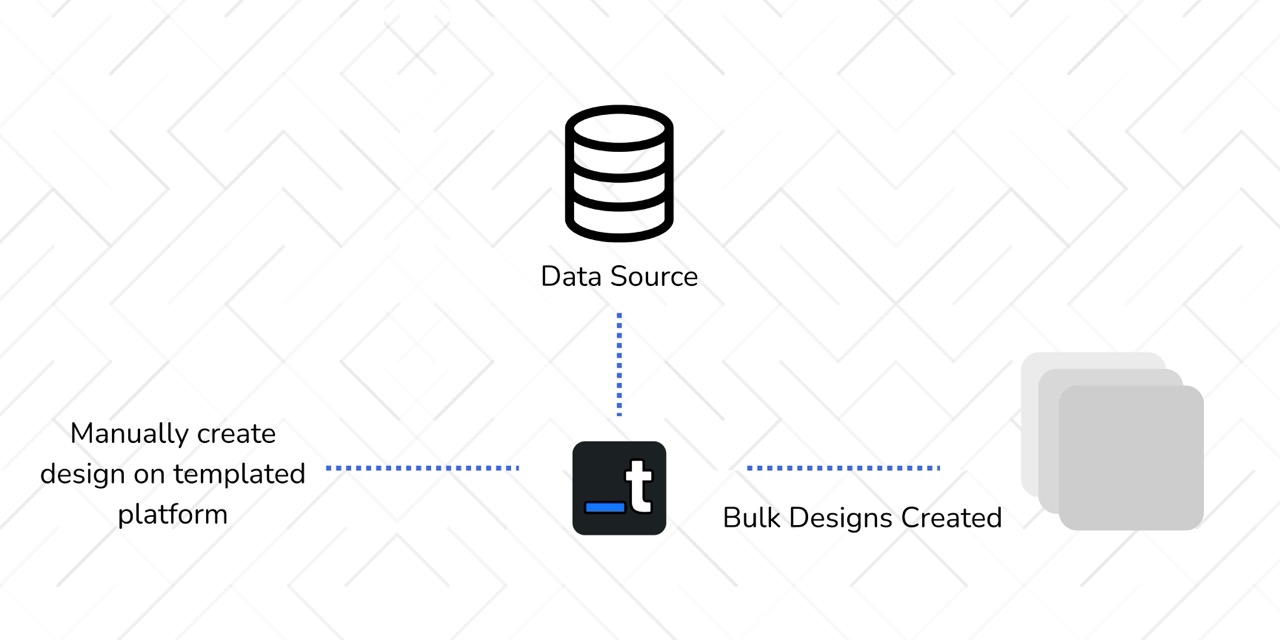
Templated.io offers a Canva-like design editor with an API-first approach similar to Layerre. However, there's a critical difference: it doesn't use actual Canva-created designs.
Key Limitation
- Requires rebuilding designs: You can't use your existing Canva templates directly
- Separate design system: You need to recreate your designs in Templated.io's platform
- No Canva integration: Despite marketing around "Canva automation," it doesn't actually work with Canva files
If you've already invested time creating beautiful templates in Canva, Templated.io forces you to start over. This means duplicating work, potential design inconsistencies, and losing the flexibility of Canva's design tools. For teams already using Canva, this is a significant drawback.
Best For
- Teams starting from scratch who don't have existing Canva templates
- Scenarios where you're willing to rebuild designs in a new platform
- Not ideal for: Teams already invested in Canva who want to automate existing designs
Comparison Matrix
Here's how these tools stack up across the key criteria for high-volume design automation:
| Feature | Layerre | Canva Bulk Create | Make | Zapier | Templated.io |
|---|---|---|---|---|---|
| Uses Existing Canva Designs | Yes | Yes | No | No | No |
| API Access | Full API | Manual only | Limited | Limited | Full API |
| Can Create Design Variations | Yes | Yes | No | No | Yes |
| Volume Capacity | Thousands+ | Hundreds | N/A | N/A | Thousands+ |
| Real-time Integration | Yes | No | With custom code | No | Yes |
| Ease of Use | Medium | Very High | Medium | High | Medium |
| Starting Price | Free (50 credits/mo), from $15/mo | Canva Pro ($14.99/mo) | Free tier, from $9/mo | Free tier, from $20/mo | Free tier, from $29/mo |
How to Choose the Right Tool
The right tool depends on your volume, technical resources, and whether you're already invested in Canva:
Choose Layerre if:
- You need to generate thousands of designs from existing Canva templates
- You require API access for real-time integration with your tech stack
- You want to use your actual Canva designs without rebuilding them
- You're doing programmatic advertising or dynamic creative optimization
Choose Canva Bulk Create if:
- You're just starting with automation
- You need simple, one-off campaigns
- You're comfortable with manual CSV uploads
- You don't need API access or real-time generation
Avoid Make and Zapier for design automation:
- They can't actually create or automate design generation
- Use them only if you're combining with an API-based design tool like Layerre
Consider Templated.io only if:
- You don't have existing Canva templates to automate
- You're willing to rebuild all your designs in their platform
Breaking Through the Visual Content Bottleneck
Manual design work doesn't scale. If you're creating visual content at any volume, automation isn't optional. It's the only way to keep up with modern marketing demands. The question isn't whether to automate, but which tool fits your workflow.
For teams already using Canva, the choice is clear: you need a tool that works with your existing designs. Layerre is the only API-first solution that lets you automate actual Canva templates at scale, without forcing you to rebuild everything in a new platform.
Start with one template and a small dataset. Test the workflow, refine your process, then scale up. The hours you save on repetitive work can go toward strategy, creativity, and growth.
Ready to Automate Your Canva Designs?
Try Layerre's API to start generating design variations programmatically from your existing Canva templates. Connect your data sources and scale your visual content production.
Detailed Tool Comparisons
Want a deeper look at how these tools stack up? Check out our side-by-side comparisons: