














How do you automate social media image creation?
Design a template in Canva with dynamic text and image layers, import it into a design automation tool, then connect your content calendar or data source to generate unique posts automatically.
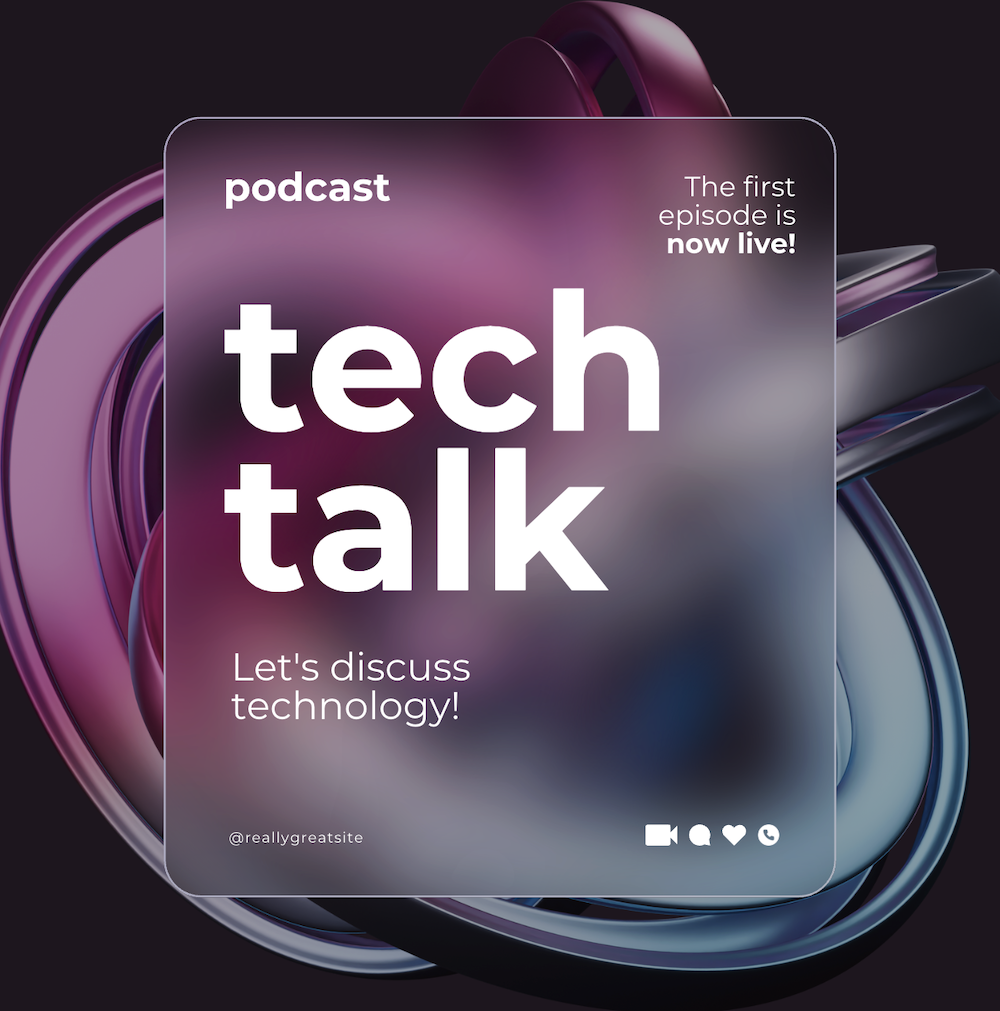
Automating social media images means generating on-brand visual content at scale without manually designing each post. Here's a practical approach:
Step 1: Create a set of Canva templates
Design templates for each post format you use:
- Instagram square (1080×1080)
- Instagram story (1080×1920)
- LinkedIn post (1200×627)
- Twitter/X post (1600×900)
Include dynamic layers: headline text, body text, background image, logo, date, etc.
Step 2: Import into a design automation tool
Import your Canva templates into Layerre. Each dynamic layer becomes an API field you can customize per post.
Step 3: Connect your content source
Your content might come from:
- A Google Sheets content calendar
- An Airtable base with post copy and images
- A CMS or database via API
- An AI copywriting tool
Step 4: Automate the generation
No-code approach: Use Make or Zapier to watch your spreadsheet. When a new row is added (or a scheduled date arrives), trigger Layerre to generate the image and save it to Google Drive or post it directly.
API approach: Call Layerre's API from your backend to generate images on demand, e.g., every time a new blog post is published, automatically generate a matching social image.
What this looks like in practice:
- Monday: Your content calendar adds 5 posts for the week
- Make automation triggers, generating 5 social images from your Canva template
- Images are saved to a shared Google Drive folder
- Your social media scheduler (Buffer, Later, Hootsuite) picks them up
Result: You design the template once and generate unlimited on-brand social posts with different content. Your designer's time shifts from production to creative strategy.
Automate your Canva designs with no code required
Import Canva templates and connect to Zapier, Make, or n8n to generate design variants automatically. Free to start.