
Multi-page Canva imports
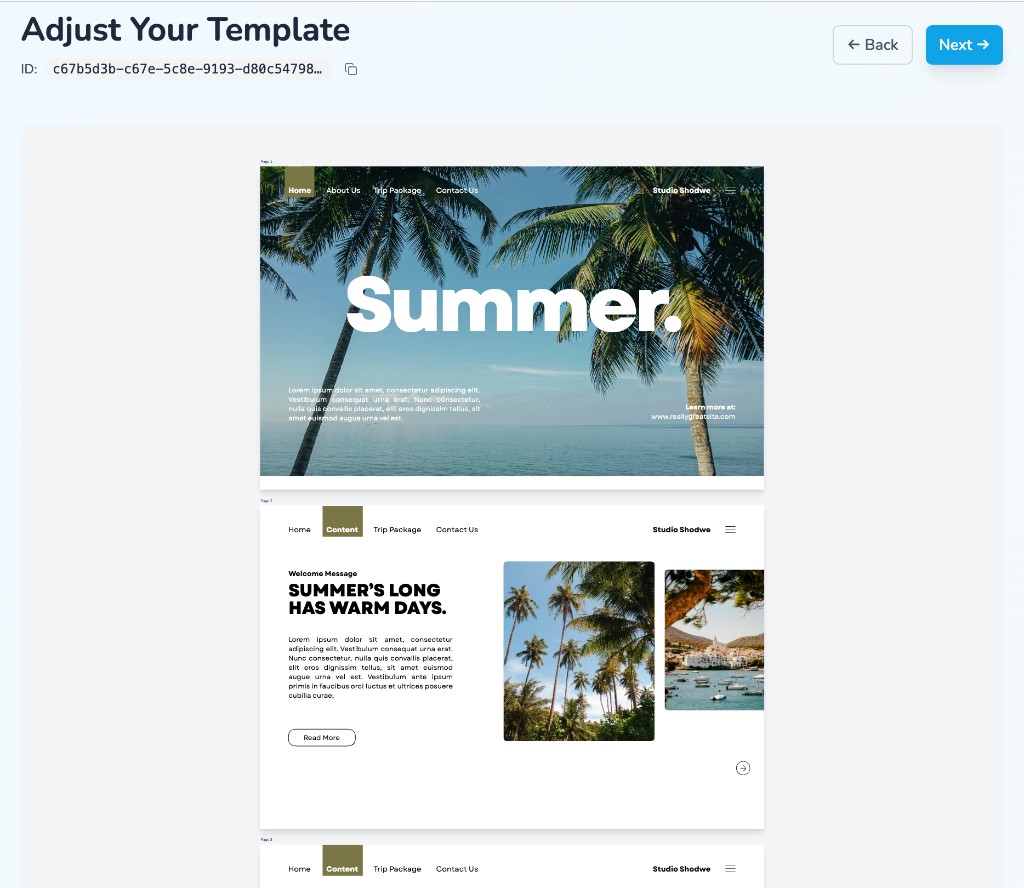
A lot of Canva designs are more than one page. Layerre now imports all of them so you do not need to split the file or rebuild the same layout as separate templates.
Paste a Canva link like you always do. If the design has multiple pages, Layerre pulls in as many as your plan allows and keeps each page's layers intact.
Generating variants
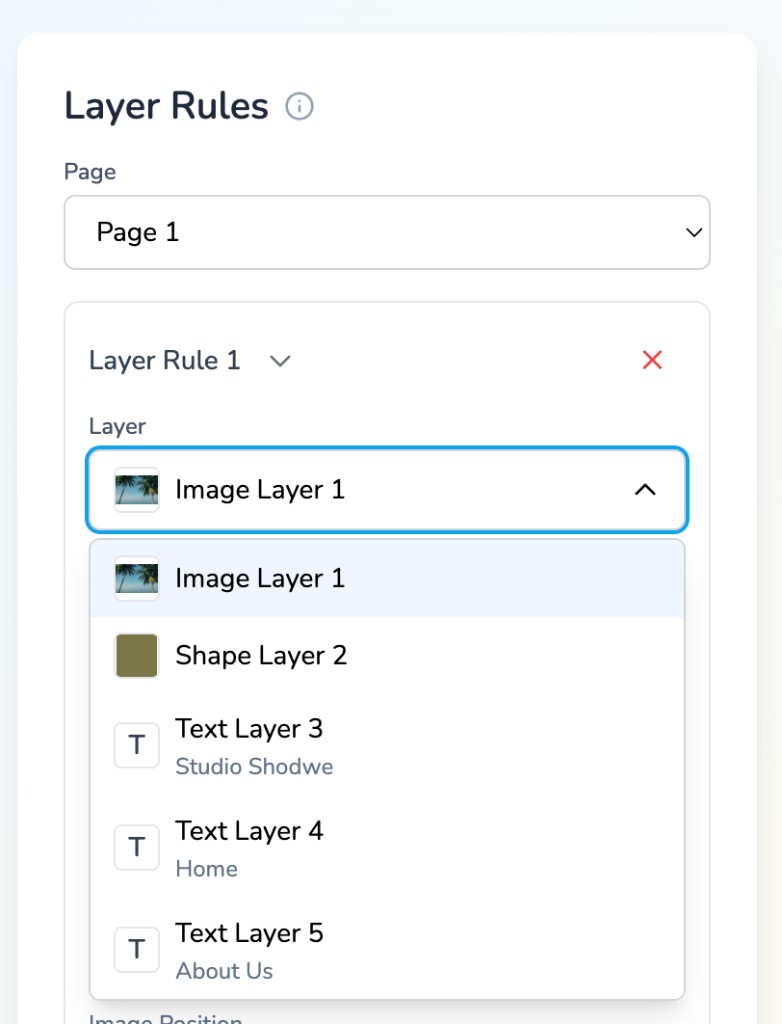
Variants render one page at a time. When your template has multiple pages, pick which one you want from the page dropdown before setting up layer rules. Single-page templates work exactly as before. The dropdown only shows up when there is more than one page.
Via API, pass page_number when creating a variant. Template responses include page_count so you know when to use it.
Try it
On Plus or Pro, paste any multi-page Canva link and Layerre will import every page your plan supports.