














How do you create ad creatives at scale?
Design ad templates in Canva for each ad size, import them into Layerre, then generate hundreds of variants with different copy, images, and CTAs via API or no-code tools for A/B testing across channels.
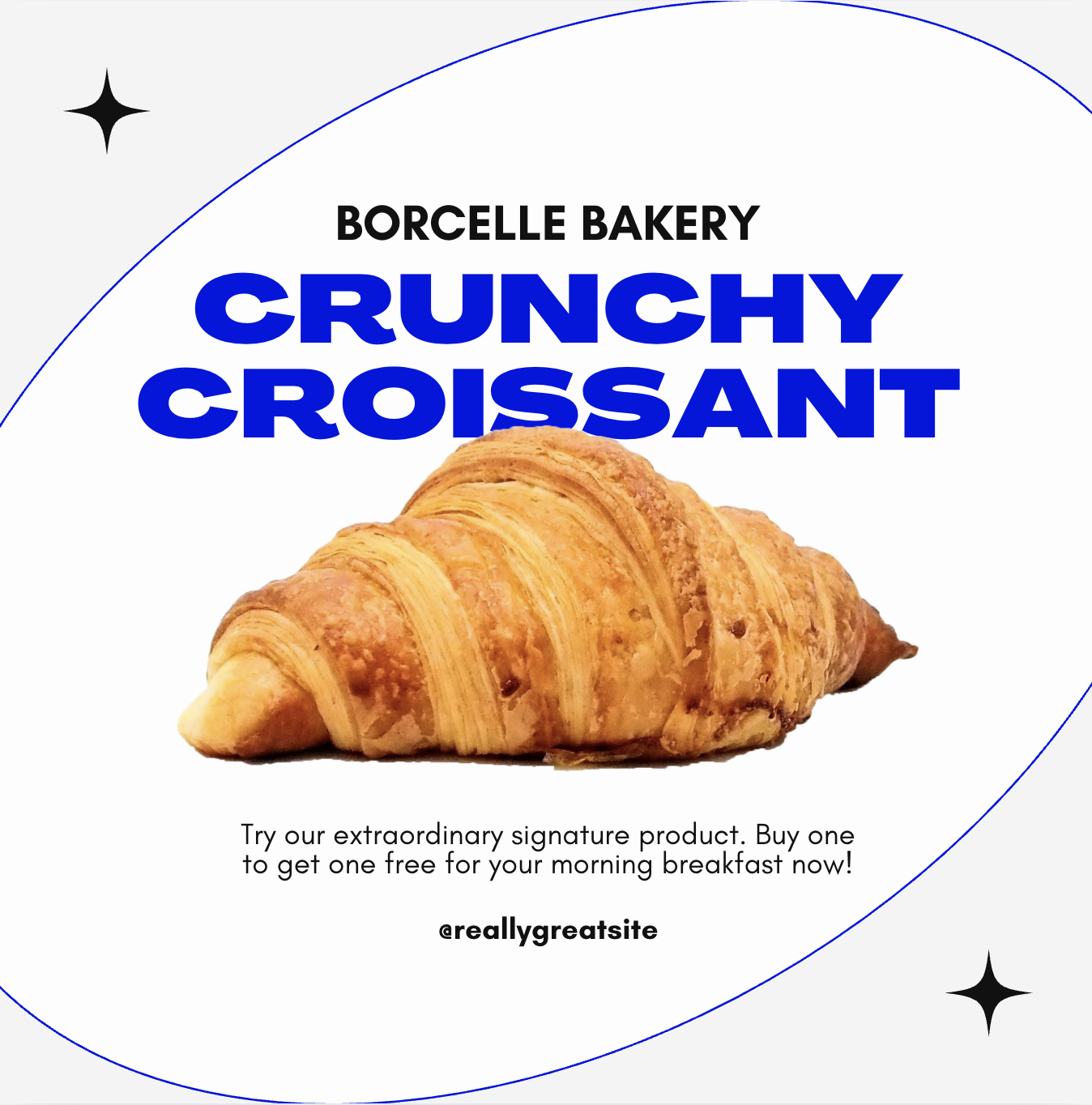
Creating ad creatives at scale means producing hundreds or thousands of ad variants, different headlines, images, CTAs, audiences, and sizes, without a designer manually creating each one.
Why scale matters for ads:
- Facebook recommends 5-10 ad variants per ad set for proper optimization
- Multi-market campaigns need localized versions
- A/B testing requires many variants to find winners
- Product catalogs need ads for every SKU
The workflow:
1. Design master templates
Create one Canva template per ad format:
- Facebook Feed (1200×628)
- Instagram Square (1080×1080)
- Instagram Story (1080×1920)
- Google Display (various sizes)
- LinkedIn Sponsored (1200×627)
Include dynamic layers: headline, body copy, CTA text, product image, background, price.
2. Prepare your variant data
Build a spreadsheet with columns for each dynamic element:
| headline | body | cta | product_image | price |
|---|---|---|---|---|
| Summer Sale | Save big this season | Shop Now | shoe-1.png | $49 |
| Flash Deal | 24 hours only | Buy Today | shoe-2.png | $39 |
| New Arrival | Fresh styles just dropped | Explore | shoe-3.png | $59 |
3. Generate at scale
Import all templates into Layerre. For each row in your spreadsheet and each ad format, generate a variant:
- 50 copy variants × 5 ad sizes = 250 unique creatives
- Add product image variants: 250 × 10 products = 2,500 creatives
4. Deploy to ad platforms
Use the generated images in your Facebook Ads Manager, Google Ads, or programmatic ad platform. Test, measure, optimize, and generate new variants based on performance data.
No-code approach: Connect Airtable (ad variant data) → Make → Layerre → Google Drive. Your media buyer reviews the generated images and uploads winners to the ad platform.
API approach: Build a script that reads your variant matrix and calls the Layerre API for each combination. Output images are organized by campaign, ad set, and variant name.
Ready to generate images from your Canva designs?
Import your Canva templates and start generating via API in minutes. Free tier included; no credit card required.