














More Control Over Exports and Images
Exports
Export as PNG, PDF, WebP, or JPEG, so you can deliver the exact format you need for every workflow. Choose your format directly in the generate panel or via API.
Export formats can now match your destination, whether you are distributing creatives, sending assets to clients, or generating media variants for ads.
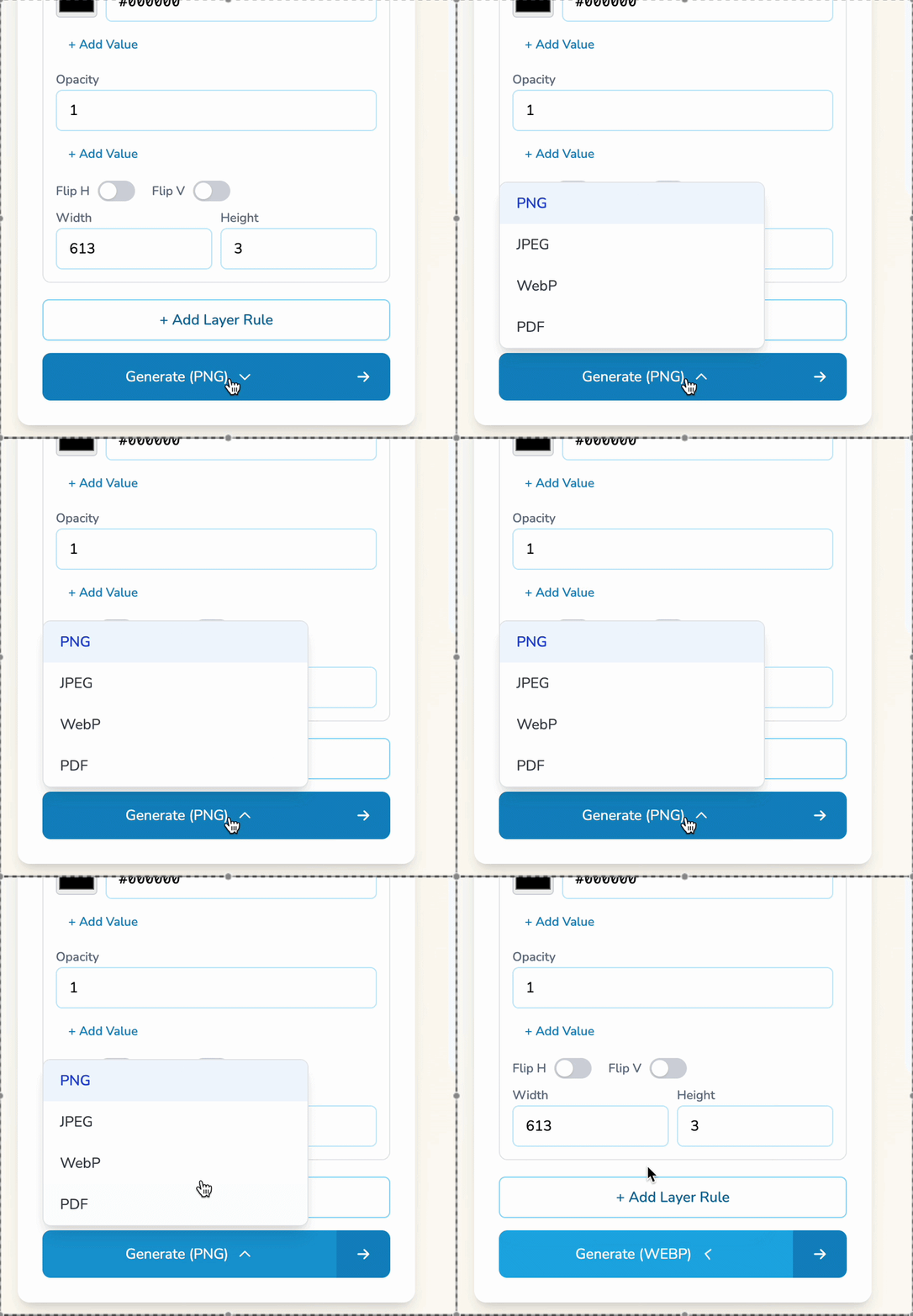
Tip: use the API for fully automated pipelines where every run outputs the exact format you request.
This is especially useful when one template needs to serve multiple channels: crisp PNGs for web, PDFs for print or handouts, JPEGs for compatibility, and WebP for smaller file sizes.
The goal is to keep your design system consistent while letting delivery requirements vary per run, without duplicating templates.
Image Fit and Fill
When Layerre swaps an image into a template, you can now control how it sits inside the frame. Fit keeps the full image visible within the frame. Fill covers the frame edge-to-edge, cropping as needed. Set it once per layer and it applies across every variant you generate.
Use this when your templates have mixed aspect ratios (wide and square assets) and you want consistent composition across all generated variants.
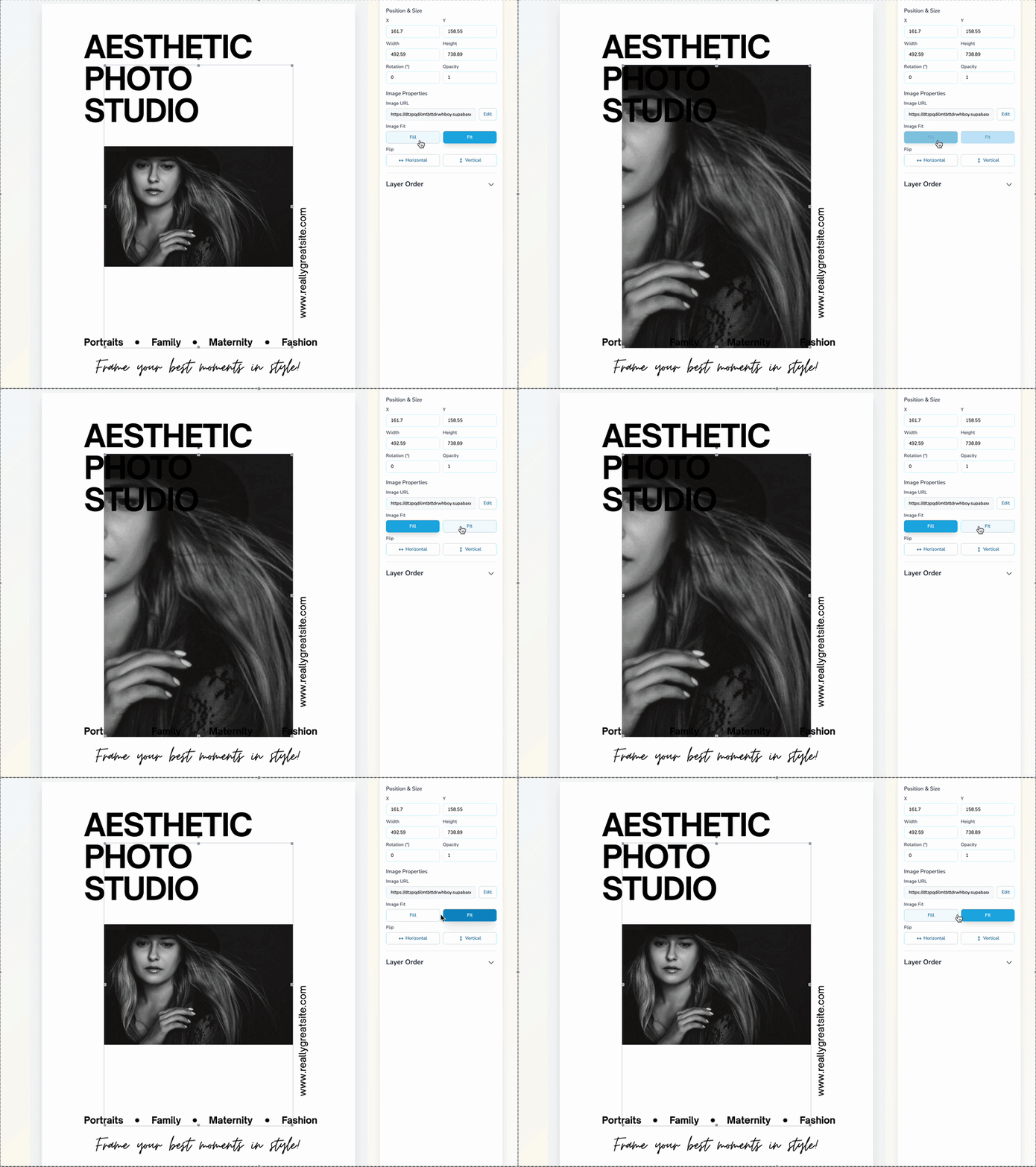
Pick Fit when you must keep everything visible. Pick Fill when you need a tight, edge-to-edge look with controlled cropping.
Fit
Keeps the full image visible inside the frame.
Fill
Fills the frame edge-to-edge, cropping as needed.
Once you set Fit or Fill on a layer, it stays consistent across the whole batch, so you don't have to manually tweak alignment for every variant.
Ready to export with precision?
Control output format and image framing behavior per run and per layer, whether you're clicking through Layerre or driving generation with the API.