
How to Automate Canva Designs with n8n and Layerre
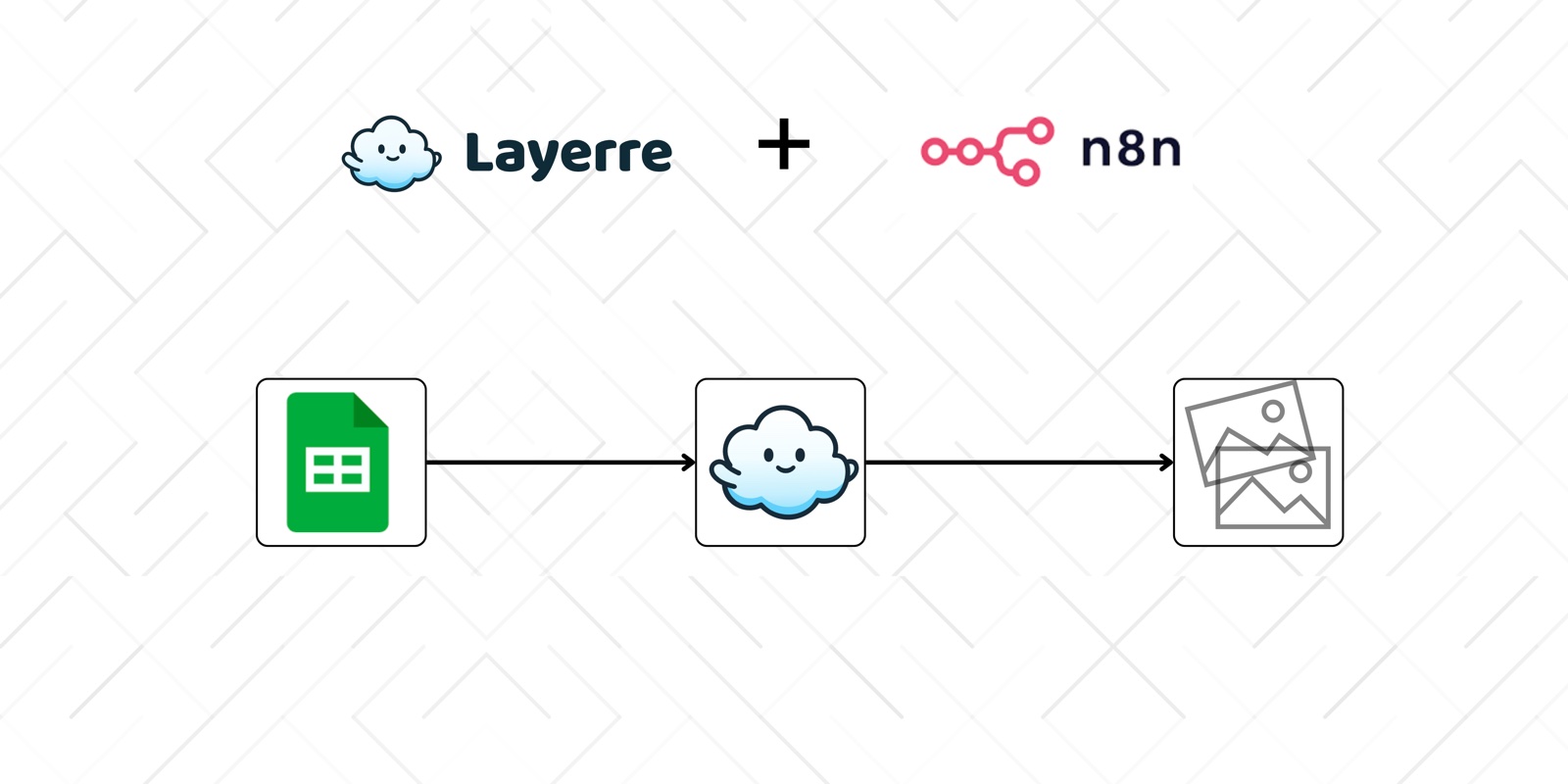
n8n is a favorite for self-hosted automation, but Canva has no native n8n node for bulk design generation, and the official Connect API requires Enterprise. This guide shows how to automate Canva designs in n8n using Layerre's community node: setup, a full example workflow, error handling, and production tips.
In this guide
Why n8n and Canva need a bridge
Canva Bulk Create is manual (CSV upload inside the editor). Canva Connect Autofill is Enterprise-only and async. Most n8n users want Free/Pro Canva templates triggered from Sheets, webhooks, or CRMs. Layerre imports those Canva designs and exposes a generate action you can call from n8n.
Related: n8n and Canva FAQ · Layerre on n8n · Canva API without Enterprise? · Connect autofill guide.
Setup: Canva to Layerre to n8n
- Design in Canva with separate layers for every field you will change (headline, product image, price, CTA).
- Import into Layerre with the Canva share link. Confirm layers are detected.
- Create a Layerre API key in your account settings.
- Install the Layerre n8n node (npm community package) and add credentials with your API key.
- Map fields from your trigger data (Sheets row, webhook JSON, Airtable record) to Layerre layer overrides.
Template prep tips: How to set up a Canva template for automation.
Example workflow
A common pattern for marketing ops:
- Google Sheets or Airtable trigger when a row is added
- Optional: IF node to skip rows without status = ready
- Layerre: create variant (template ID + overrides)
- Write the image URL back to the sheet
- Optional: upload to Drive, S3, or Slack
- Optional: notify your team or push to a CMS
Prefer Zapier or Make? See Zapier and Make FAQs. Sheets-focused FAQ: Automate Canva with Google Sheets.
Field mapping patterns
Keep a small mapping table in your workflow notes:
| Sheet column | Layerre layer | Property |
|---|---|---|
| headline | HEADLINE | text |
| hero_url | HERO | img_url |
| price | PRICE | text |
Use expression mode in n8n to pull {{ $json.headline }} style values. Start with one template; fork workflows when you add a second size.
Errors and retries
- Fail the row if required image URLs are empty
- Retry transient 5xx with backoff; do not blind-loop 4xx
- Log Layerre request IDs to a sheet column for support
- Cap concurrency so you do not burst past rate limits
Production tips
- Generate one test variant with sentinel text before loops
- Rate-limit bulk loops; batch by campaign
- Store Layerre image URLs in your sheet for auditing
- Keep designers editing Canva masters; n8n only sends data
- Document the workflow in n8n sticky notes for the next teammate
Broader context: Canva automation guide · spreadsheet batch guide.