
Canva Automation & API Guide: Every Way to Generate Designs at Scale
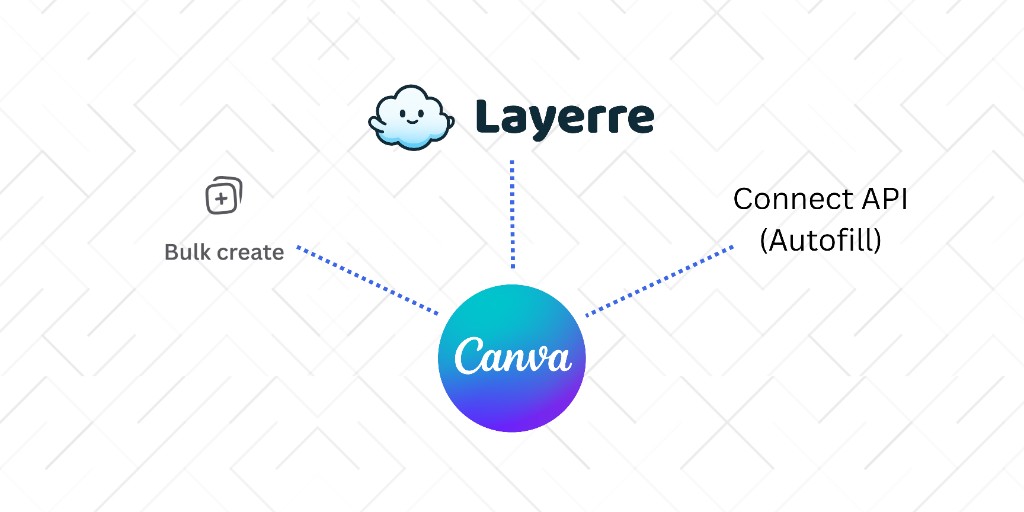
Canva makes design accessible, but scaling beyond a handful of variants is where most teams hit a wall. This guide covers every path to Canva automation, from the built-in Bulk Create feature to the Enterprise-only Connect API, and when a third-party API like Layerre is the better fit.
In this guide
Three paths to Canva automation
There are three main ways to generate Canva design variants at scale. Each has different requirements, limits, and automation depth:
| Approach | Canva plan | API? | Best for |
|---|---|---|---|
| Canva Bulk Create | Pro / Teams | No | One-off batches under 100 variants |
| Canva Connect API | Enterprise only | Yes (async) | Embedding Canva editor in your product |
| Layerre API | Any (Free, Pro, Teams) | Yes (sync) | High-volume, recurring, or real-time generation |
Canva Bulk Create
Bulk Create is Canva's built-in feature for generating variants from a CSV inside the editor. It's the simplest starting point, but teams quickly outgrow its limits.
- Text and image swaps only, no per-variant colors or fonts
- ~100 variant limit per batch
- Manual CSV upload and download, no API or automation
- Requires Canva Pro ($14.99/mo) or Teams
Learn more: What is Canva Bulk Create? · Best Bulk Create alternatives · Layerre vs Bulk Create comparison · Migration guide
Canva Connect API
The official Canva Connect API provides Autofill, asset management, and editor embedding, but only for Enterprise customers. The Autofill workflow is asynchronous (submit job → poll for result) and limited to text and image fields.
Learn more: Canva Connect API explained · Canva API alternatives (no Enterprise) · Layerre vs Canva Connect API · Can you use the Canva API without Enterprise?
Layerre: API automation from any Canva plan
Layerre imports your existing Canva designs and exposes them as API templates. One synchronous API call generates a variant, with support for text, images, colors, and fonts. Works on any Canva plan with a free tier (50 credits/mo).
Typical workflow: Design in Canva → import share link into Layerre → call API with data payload → receive rendered image.
Get started: API documentation · How to automate Canva designs · Bulk Create vs API automation
No-code automation
You don't need to write code to automate Canva designs. Layerre integrates with Zapier, Make, and n8n so you can trigger generation from spreadsheets, forms, CRMs, and e-commerce platforms.
Which approach should you choose?
Choose Canva Bulk Create if…
You need a one-off batch under 100 variants, only text/images change, and no automation is required.
Choose Canva Connect API if…
You have Canva Enterprise and need to embed the Canva editor or use native brand-template workflows inside your product.
Choose Layerre if…
You want API or no-code automation from any Canva plan, need unlimited variants with color/font overrides, or are outgrowing Bulk Create.
For a deeper tool comparison, see 5 Canva design automation tools.