
Creative Automation Guide: What It Is and How to Scale Visual Production
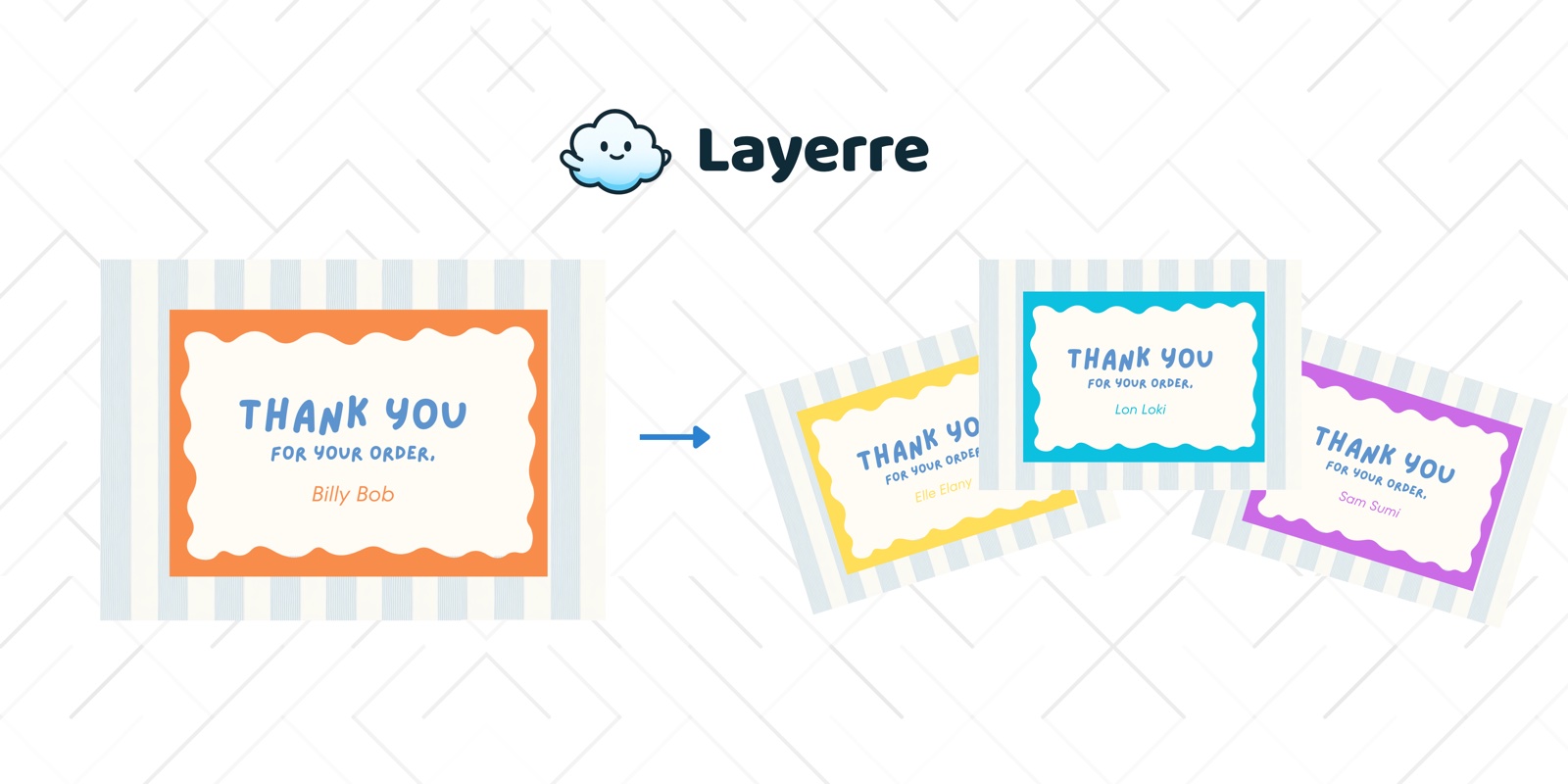
Creative automation is how modern marketing teams produce hundreds of on-brand visuals without reopening a design ticket for every SKU, city, or ad size. This guide defines the category, shows where it sits next to creative ops, walks through a practical stack, and maps common pitfalls so you scale production without losing brand quality.
In this guide
What is creative automation?
Creative automation systems take approved brand templates and data (product feeds, campaign copy, localization tables) and generate finished creatives: ads, social posts, banners, email headers, at volume. The goal is consistent brand systems with media-buyer speed, not one-off art direction for every asset.
It is not the same as generative AI that invents a new layout every time. Most high-performing teams still want a human-designed master. Automation swaps the data inside that master so every variant stays on brand.
Related glossary: creative automation, ad creative automation, creative operations, creative ops tools.
Creative automation vs design automation
Teams use the terms interchangeably. In practice:
- Design automation emphasizes the technical pipeline: templates, APIs, batch rendering (glossary).
- Creative automation emphasizes marketing outcomes: channel coverage, testing velocity, and fighting creative fatigue.
Layerre sits in both: import Canva masters, then generate variants for ads and social via API or Zapier/Make/n8n.
Where creative ops fits
Creative operations owns the system around generation: briefs, approvals, localization matrices, DAM naming, and who can publish. Automation without ops often creates a new mess (thousands of unapproved files). Ops without automation leaves designers stuck in resize hell.
A healthy split: creative ops defines the template system and gates; design automation executes the render step at scale.
Signals you need it
- Designers spend more time swapping text than designing
- Launches slip waiting on resizes and localizations
- Paid social refreshes slower than media buying needs
- Every SKU or city reinvents the same layout
- QA finds typos that a data-driven pipeline would have caught
See also: Who needs design automation? and the 4-step ad creative workflow.
A practical stack
- Brand templates in Canva (or your design tool)
- Data source: Sheets, Airtable, product feed, CMS
- Generation layer: Layerre API or no-code connectors
- Delivery: ad platforms, DAM, social schedulers
- Feedback loop: which variants win, then refresh copy/data
Comparing tools? Start with 5 Canva design automation tools and the alternatives hub.
Maturity levels
Level 1: Templates only
Shared Canva files, still edited by hand. Faster than blank canvases, not scalable.
Level 2: Manual batch
Canva Bulk Create or similar CSV uploads for occasional campaigns.
Level 3: Connected data
Sheets or Airtable trigger Zapier/Make/n8n into a render API on a schedule.
Level 4: Productized generation
API inside your SaaS or ad ops tooling; real-time or near-real-time variants with brand guards.
Pitfalls to avoid
- Automating messy templates (fix layers first)
- No approval gate for new masters
- Letting AI invent layouts when brand needs consistency
- Ignoring localization length (German vs English overflow)
- Skipping a fixture set before cutting over production
Scaling with Canva and Layerre
Keep designers in Canva. Import share links into Layerre, map data columns to layers, then generate PNG/PDF variants on demand or in bulk. Free tier includes 50 credits/month.
Deep dive: Canva automation and API guide · How to create ad creatives at scale · Funnel ad use case · Spreadsheet batch guide.